
The Shop
Shop it all, from one place

Paid
Books & Courses

Celestial Sleep Mastery
Celestial Sleep Mastery
Coming Soon
10-Day Lunar Reset
10-Day Lunar Reset
Coming Soon
Free
Guides

The Sleep Observation Guide
The Sleep Observation Guide
Coming Soon
Newsletters
2026
Oct2026
How Much of the World Do You Miss While Looking Down?
On attention, inattentional blindness, and what happens when you look up for one evening. Includes Astraea’s Challenge.
Want to hear when the next one drops? Subscribe on The AstraSphere
Screensavers & Wallpapers
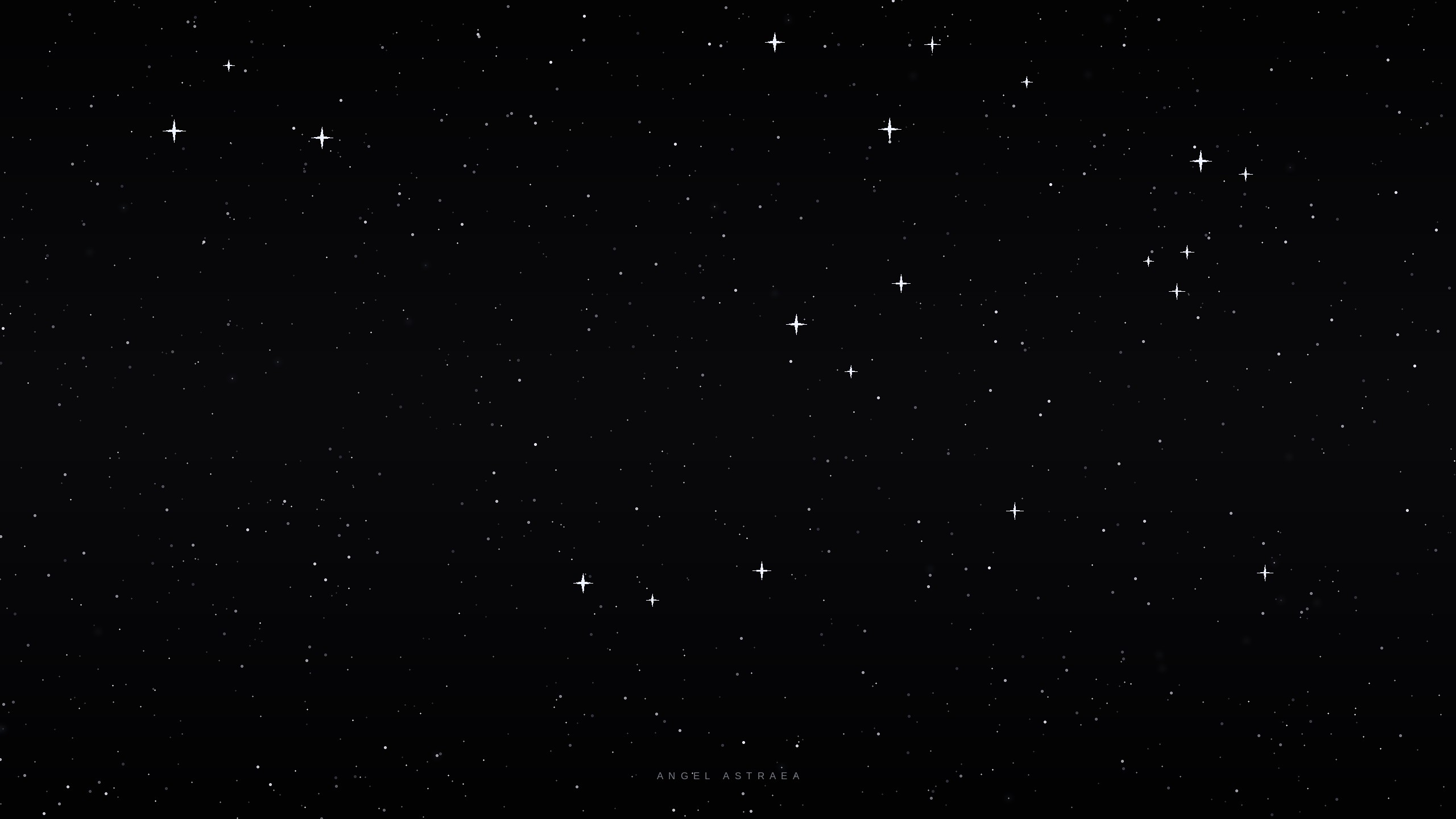
The Starfield
Our own slowly twinkling night sky, the one from the home page, to leave running.
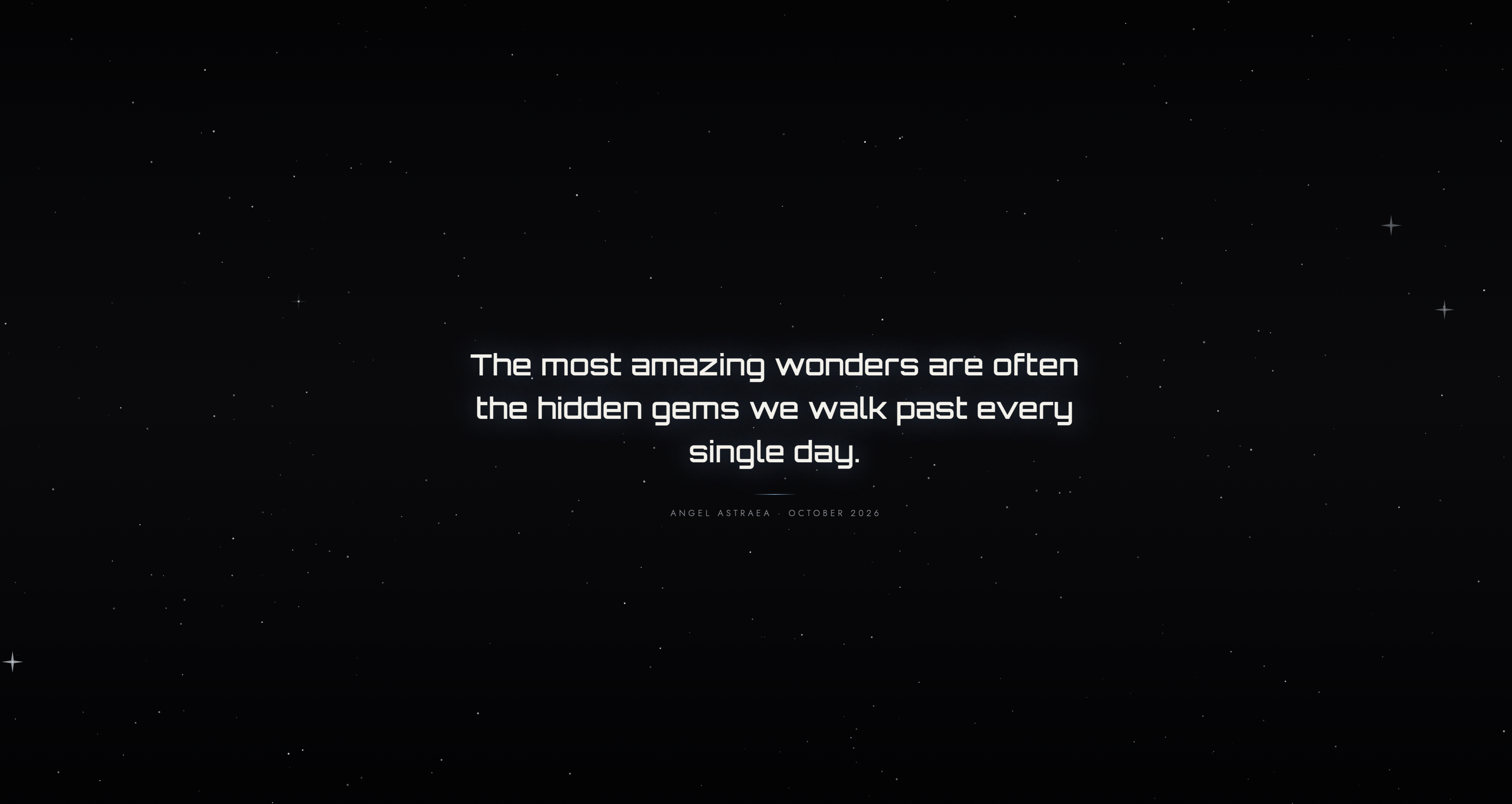
Quotes from the Newsletter
Six lines from “How Much of the World Do You Miss While Looking Down?” drifting through the starfield.
Downloadable wallpapers coming soon.
Keep it running
The screensaver runs in your web browser, so your computer’s own settings can interrupt it. If your computer goes to its own screen saver, sleeps or locks, this one will stop. Before you launch it, set your computer’s sleep and screen saver to Never (or a long time), keep the tab open and in front, and press F for full screen.
How to change this on Windows and Mac
- Windows: Settings → System → Power (Power & battery on Windows 11), then set Screen and sleep to Never. Also check Personalization → Lock screen → Screen saver.
- Mac: System Settings → Lock Screen, then set Start Screen Saver when inactive and Turn display off when inactive to Never.
- Menu names vary a little between versions. Plug laptops in, and remember to set everything back afterwards.
Passwords: a web page can’t show or control your computer’s login screen. Turning off sleep and lock means your computer won’t ask for your password when you return, so only run it in a private place and don’t leave it unattended in shared or public spaces. If you need a password when you leave, use your computer’s own screen saver instead.
Tip: press F on the screensaver for full-screen. It hides the cursor when idle and asks your device to stay awake while it runs.